 Featured
How a CPA Firm Captured 991 Top-3 Google Rankings and 175 AI Overview Citations
991 keywords in top 3, 175 AI Overview citations
WCG CPAs & Advisors Colorado
Start typing to search. Press ⌘K anytime to search across all pages and blog posts




Full-lifecycle WordPress development: new builds, theme customization, plugin development, migrations to WordPress, and migrations away from WordPress to modern platforms. Scoped per project.

From planning to launch in 4-8 weeks.
Discovery and planning
I research your competitors, understand your customers, and plan the site architecture. For migrations, I audit your existing content and create a redirect map to protect search rankings.
Design
Custom design tailored to your brand. Mobile-first, conversion-focused, and built to stand out from template-based competitors. You approve the design before development starts.
WordPress development
Clean theme build with only the plugins you actually need. No bloated page builders, no unnecessary dependencies. Every line of code earns its place.
Testing
Cross-browser, cross-device, speed, security, and accessibility testing. I check everything on a staging site before going live. You get a preview link to review and request changes.
Launch and training
Go live with confidence. I handle DNS, SSL, and deployment. Then I walk you through how to manage content, add pages, and handle updates. The training session is recorded for future reference.


Google did.
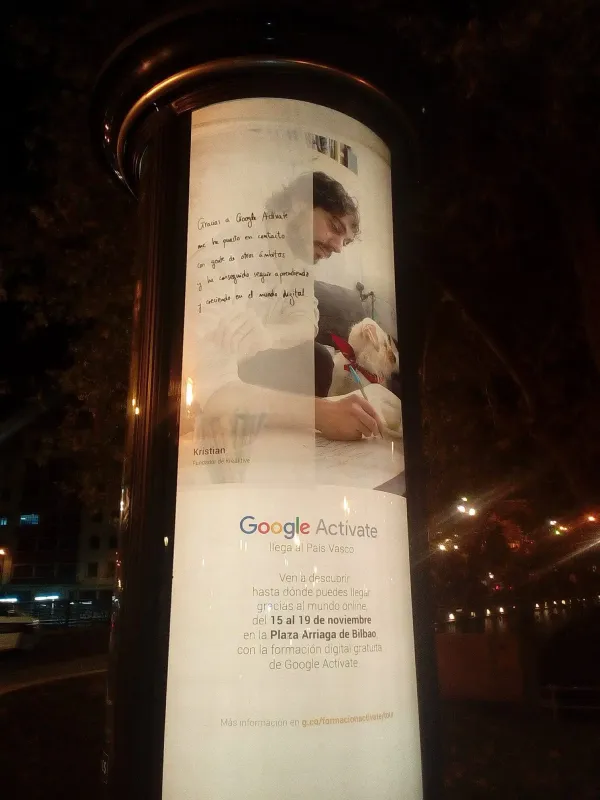
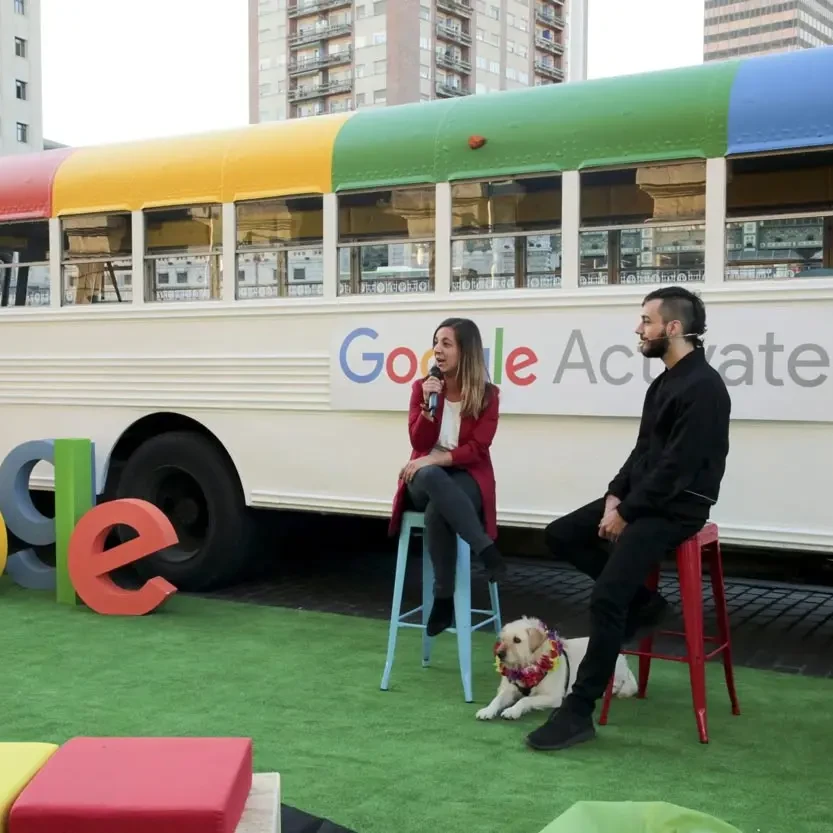
I didn't learn SEO from a blog. I worked with Google directly. They featured me on their Google Activate program all over Europe. If Google trusted me to represent them, you can trust me to rank you on them.
"Kristian listened to me from the beginning and provided a detailed plan for social media, emails, and my website. He lets you give feedback and works with your ideas, but if something doesn't fit, he tells you why. Thanks to his work, my website receives much more traffic, social media engagement is up, and emails perform much better than before. You can communicate with him in English or Spanish, which is very helpful. I highly recommend Kristian from Kreaktive!"
"We have been working with Kristian at KREAKTIVE for 4+ years now. They have designed more than 40+ websites for us and our clients - always impressive. The designs are fresh, creative, and always spot on. You won't regret working with Kristian"
"His keen eye for detail, innovative approach, and user-friendly designs have transformed my online presence. Since the launch of the new site, my sales have skyrocketed, and customer engagement has doubled. Kristian didn't just deliver a website; he delivered a game-changing asset to my business. If you're looking to elevate your digital footprint, Kreaktive is your go-to web designer!"
"I am extremely satisfied with the work done by this graphic design company! They have perfectly captured the essence of our casual fusion food restaurant through their creativity and professionalism. The corporate identity they have created for us is fresh, modern and totally unique, perfectly reflecting what we wanted to convey. In addition, the menu design is simply spectacular, with a visually appealing presentation that has received praise from our customers. I would without hesitation recommend the services of this company to anyone looking for exceptional graphic design work!"
"Working with Kreaktive for our marketing was our best choice! Kris is attentive and very creative to our company's ever changing dynamics. Our digital visibility has skyrocketed!"
"KREAKTIVE consistently excels in their website design work by creating visually stunning and user-friendly designs and website interfaces that go above and beyond. I'd recommend them to everyone!"
"Kreative is knowledgeable, professional, and thorough with their marketing strategies. Kris' support with our website and digital marketing has strengthened our branding as a company and generates solid organic leads! Thanks Kreative!"
"I would only trust the best with a project this big and Kristian exceeded all expectations. Flawless and creative designs that are well thought out. I will definitely keep coming back with other projects down the line."
"Kristian makes amazing websites!! I highly recommend his services."
"The best content creator, branding, and logo specialist in Colorado Springs"
"I worked with Kristian on my company's branding and website, and the experience was fantastic. He creatively guides you and offers multiple options until you find the perfect fit. He's always available and attentive to any changes or concerns you might have. He explains the entire process and functionality of your website every step of the way and is 100% available to answer any questions. I would definitely recommend him for his creativity, availability, and professionalism."
"I couldn't be more satisfied with Kristian's work in creating my clinic's website. His knowledge is top-notch. At first, I struggled to understand the process, but thanks to his patience and experience, everything came together perfectly. The result is very, very good: a functional, attractive website perfectly tailored to my needs. He's also always willing to help and contribute valuable ideas. If you're looking for someone who truly knows what they're doing and will be 100% involved in your project, Kreaktive is the best choice. Highly recommended! Thank you for your work :)"
Before you hire anyone
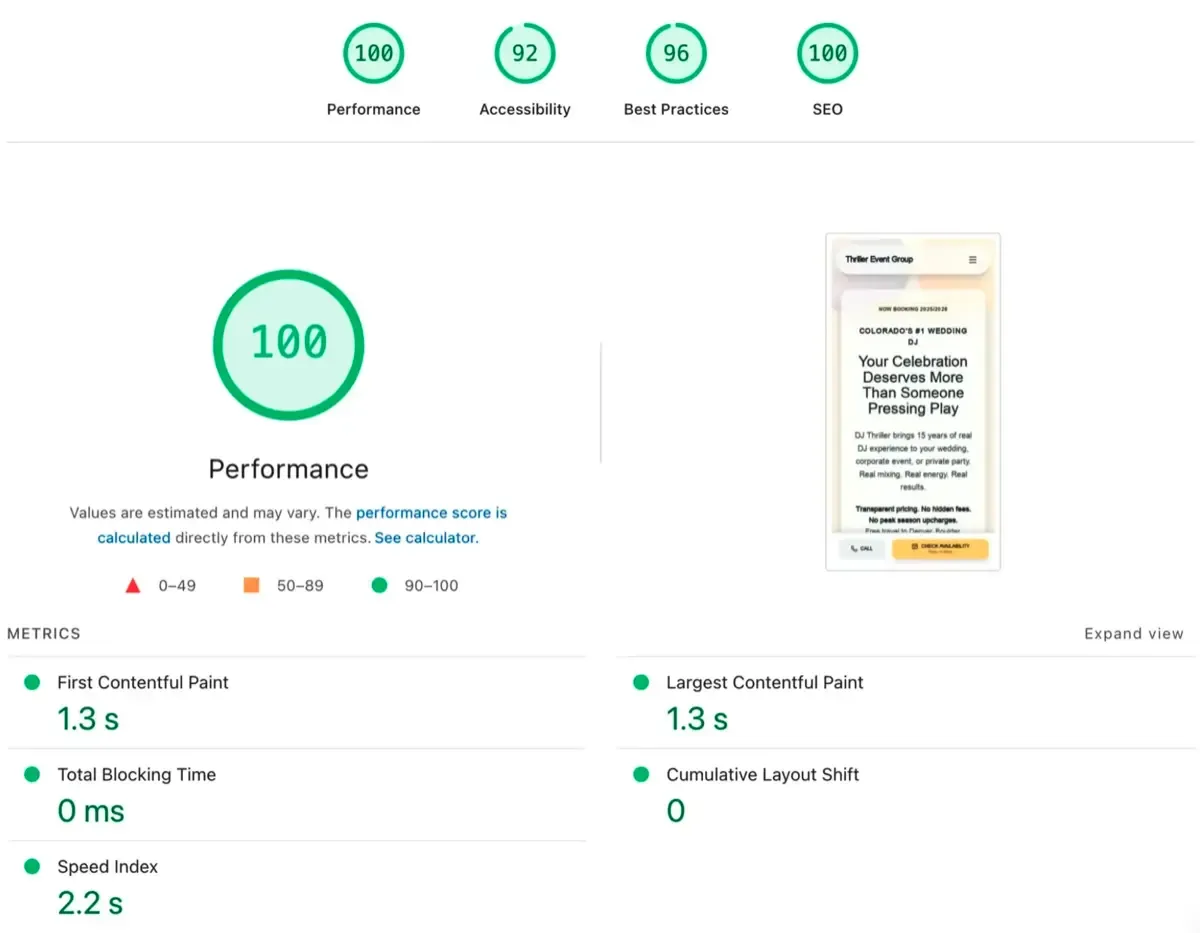
Google scores every website on speed, mobile experience, and code quality. It's public. The tool is called PageSpeed Insights, and you can run it on any website in 10 seconds. Here's a free trick: run it on your web designer's own site. That site is their best work. They've had unlimited time and zero client constraints. If their own website scores poorly, yours will be worse. Also:
Ask them: "How many leads did your last client's website generate?" If they can't answer, they build decorations, not businesses.
A designer who jumps straight to colors and fonts without asking who your customers are is building a portfolio piece, not a business tool.
If you can't take your site and leave whenever you want, you're renting, not buying. Ask who owns the code, the domain, and the hosting account.
A website nobody can find is an expensive business card. If your designer never brings up page titles, heading structure, or how people will actually find you on Google, you'll end up paying someone else to fix all of it six months from now.
Run their site through Google PageSpeed Insights. Takes 10 seconds. If their own site scores below 80, that's the best they can do. Your site will score the same or worse.
Per-page pricing means every new piece of content costs you more. Good designers price by project scope. You should be able to add a page when your business needs it, not when your budget allows it.
"It'll be done when it's done" is not a project plan. If they can't tell you what happens week by week, with clear checkpoints, your project will drag for months. Ask for the timeline before you sign anything.
Ask them straight: "Is this a theme or built from scratch?" If they hesitate, it's a theme. You won't notice the difference until you need something the template wasn't built for. Then you're stuck.
Problems I solve every day
Most WordPress quotes are inflated because agencies use expensive page builders and dozens of premium plugins that add cost without adding value. Here's how I keep costs honest:
The classic WordPress trap: 30+ plugins, a heavy page builder, and a theme with features you never use. Performance dies slowly and you do not notice until customers complain:
Outgrowing a drag-and-drop platform is a good problem to have. It means your business needs more than a template can offer. Here's how I make the transition painless:
Your site, your rules
WordPress, Shopify, custom JavaScript, headless CMS, static sites: the right choice depends on what your business actually needs, not what your developer prefers to build.
Need an online store? Shopify or WooCommerce. Content-heavy site that needs to rank? WordPress or Astro. Complex web app? React or Next.js. I'll recommend the platform that fits your budget, your team's comfort level, and your growth plans.
You should never feel locked into a platform because your developer only knows one.



















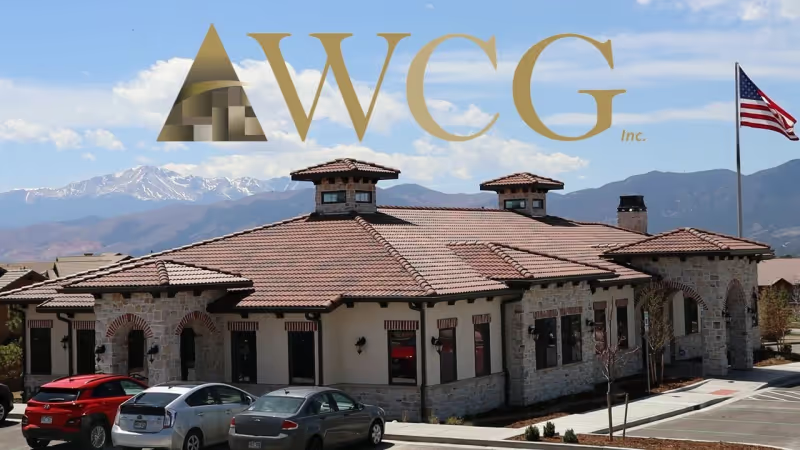
Strategic website redesign and content architecture helped an established Colorado Springs CPA firm dominate both traditional search and AI-powered results, with 991 keywords in the top 3 and 175 AI Overview citations.
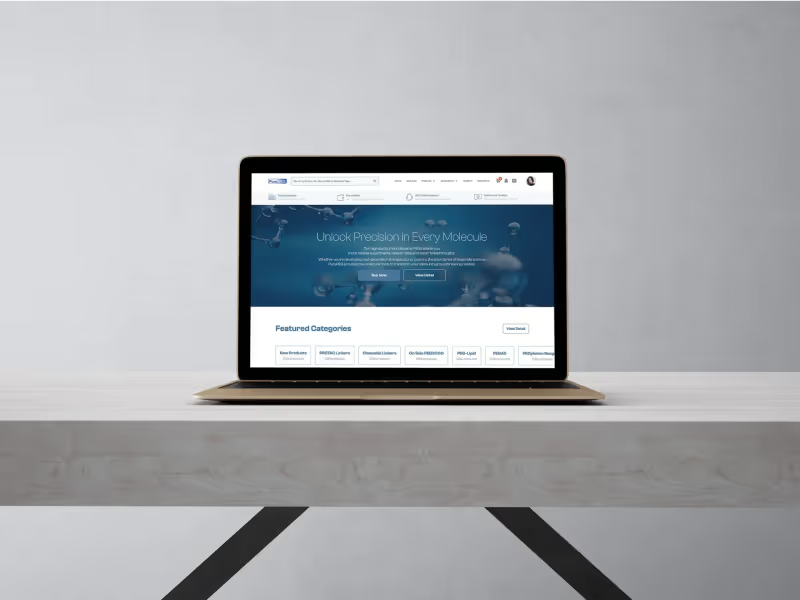
How I redesigned a 1,000-product scientific e-commerce catalog, achieved #1 Google rankings for key terms, and got featured in AI Overviews for a niche PEG chemistry market.
Featured991 keywords in top 3, 175 AI Overview citations
FeaturedRanking #1 on Google with AI Overview features for a niche biotech e-commerce market
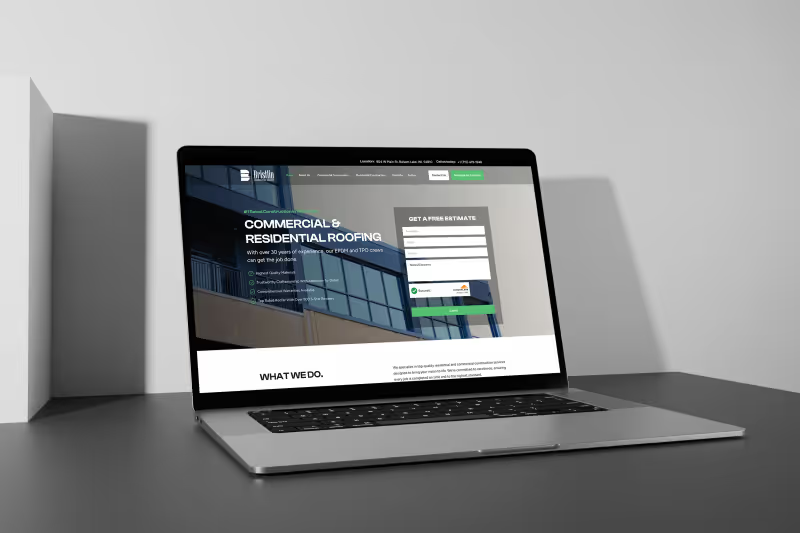
From zero Google keywords to 70+ rankings in just two months

134 keywords ranking, AI visibility across 4 platforms, and $981/month organic traffic value
Built clean, built to last
I build WordPress sites with clean code, minimal plugins, and full ownership. No page builder lock-in.
| What I Do | What You Get & Why It Matters |
|---|---|
Research your competitors first | A site built on real market intelligence I study what works for the top businesses in your space and build yours to outperform them. No guessing, no generic templates. |
Design custom, not from templates | A site that looks nothing like your competitors No off-the-shelf themes with your logo slapped on. Every page is designed specifically for your brand and your customers. |
Build a clean theme | Fast, secure WordPress without the plugin bloat Most WordPress sites are slow because they rely on 30+ plugins and bloated page builders. I write clean code and only add plugins that earn their place. |
Harden security from day one | A WordPress site that is actually secure Two-factor auth, login limiting, file permission lockdown, security headers, and automatic critical patches. Security is built in, not bolted on. |
Train you to manage it | You can update content without calling anyone A recorded training session covers editing pages, adding posts, managing images, and handling updates. Self-sufficiency, not dependency. |
Hand over everything | Full ownership of code, design, content, and accounts You own it all. If you want to work with someone else later, you take everything with you. No licensing fees, no holdbacks. |
A site built on real market intelligence
I study what works for the top businesses in your space and build yours to outperform them. No guessing, no generic templates.
A site that looks nothing like your competitors
No off-the-shelf themes with your logo slapped on. Every page is designed specifically for your brand and your customers.
Fast, secure WordPress without the plugin bloat
Most WordPress sites are slow because they rely on 30+ plugins and bloated page builders. I write clean code and only add plugins that earn their place.
A WordPress site that is actually secure
Two-factor auth, login limiting, file permission lockdown, security headers, and automatic critical patches. Security is built in, not bolted on.
You can update content without calling anyone
A recorded training session covers editing pages, adding posts, managing images, and handling updates. Self-sufficiency, not dependency.
Full ownership of code, design, content, and accounts
You own it all. If you want to work with someone else later, you take everything with you. No licensing fees, no holdbacks.
Always Included in Every Website
Why DMS?
An honest comparison so you can decide what's right for your business.
Performance-built. SEO-ready.
From $4,700
Pretty but slow.
$10,000-$50,000
Quick start. Low ceiling.
Wix $16/mo + 40-80 hrs
"Our old agency site scored 52 on PageSpeed. Kristian's rebuild hit 98 on launch day."
52 to 98 PageSpeed score
E-commerce client
You want a fast, SEO-optimized site that you actually own. No bloated page builders, no ongoing platform fees, no "call us to make a text change."
You need a simple site fast and have time to learn a builder. Works for basic brochure sites, but you'll hit walls on performance and SEO.
You need a large, complex web application with multiple developers. Expect higher costs and longer timelines.
Based on published web design pricing from Colorado agencies (March 2026). 15 agencies researched Including Infront Webworks, Red Egg Marketing, Intero Digital, Thrive Agency, SpearPoint Marketing, and 2 others.
Month-to-month. 30-day proof period with full refund.
Common questions
Quick answers to help you decide.
No. I build on whatever platform fits your situation. WordPress is right for some businesses, but others are better served by Astro, Next.js, Shopify, or a custom solution. If WordPress is not the best fit, I will tell you why and recommend what is.
Yes. I migrate sites from Wix, Squarespace, Weebly, and custom platforms to WordPress. Migration includes content, images, URL redirects to protect your search rankings, and a fresh theme built to your specs. You get a staging preview before anything goes live.
Yes. If WordPress has become more trouble than it is worth (constant updates, plugin conflicts, slow performance, security scares), I can move you to a faster, simpler platform. I handle the full migration including content, redirects, and design.
Each project is scoped based on pages, features, and complexity. A straightforward business site costs less than a custom membership portal or WooCommerce store with hundreds of products. Book a call and I will give you an honest number based on what you actually need.
Yes. Every WordPress site I build includes a training session where I walk you through editing content, adding pages, and managing media. The session is recorded so you can reference it later. The goal is self-sufficiency, not dependency.
Security hardening is built into every build: strong passwords, two-factor authentication, limited login attempts, file permission lockdown, security headers, and automatic updates for critical patches. I also recommend a maintenance plan for ongoing monitoring.

Most people who scroll this far are ready. Let's talk.
Latest articles on wordpress strategy and best practices.

After building hundreds of WordPress sites over 15 years, I switched to Astro. Here's why, with real performance data from actual client sites.

Discover the most common website design mistakes that hurt your SEO rankings and learn how to fix them for better traffic and conversions.
Most businesses hire a designer, then hire an SEO agency, and the two never talk to each other. The result: a beautiful website that does not rank. Here is why bundling web design and SEO into a single package produces better results at a lower total cost.
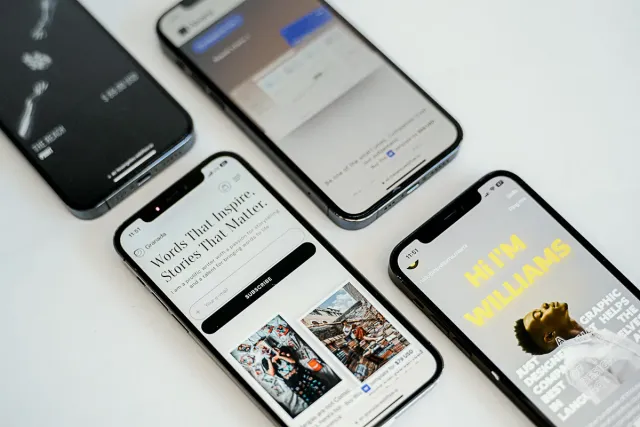
Google judges your website by its mobile version. If your site is slow, hard to read, or frustrating on a phone, you are being ranked on that experience. Here is how to fix it.
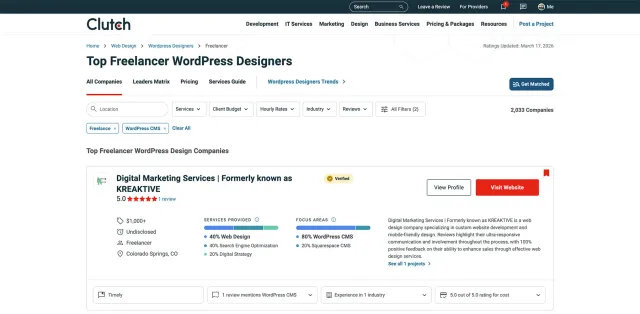
I reviewed Clutch's top 15 freelance WordPress designers. Here's what each one does well, what they charge, and who they're best for.

I compared 6 Colorado Springs web design agencies on what they charge, what they include, and whether they tell you the price before a sales call. Only 2 publish real numbers. Here is what that means for your decision.
More ways I can help
Search Google for what you offer. Someone is showing up and getting calls. Is it you? If not, you need:
Get found by customers actively searching for what you offer. I optimize your presence across Google Search and Maps.
People are asking ChatGPT who to hire. Are you the answer? If not, you need:
Appear when people ask ChatGPT, Claude, or Perplexity for recommendations. The new frontier of search.
People judge your business in 5 seconds based on how you look. Do you look pro? If not, you need:
Stand out from competitors with a memorable brand identity that resonates with your ideal customers.
Your strategist
Founder & Lead Strategist at Digital Marketing Services
Ranked #1 freelance web designer by Clutch. 17+ years building websites and SEO strategies that bring real results for small businesses.
Try it risk-free. If you don't see real progress in 30 days, I'll refund every cent.